


If you’ve ever hit the dreaded “Too Many Redirects” error while surfing your own site—or a client’s—you know it’s like walking in circles inside a maze that never ends. Your browser keeps bouncing back and forth and finally just gives up with a cryptic error message.
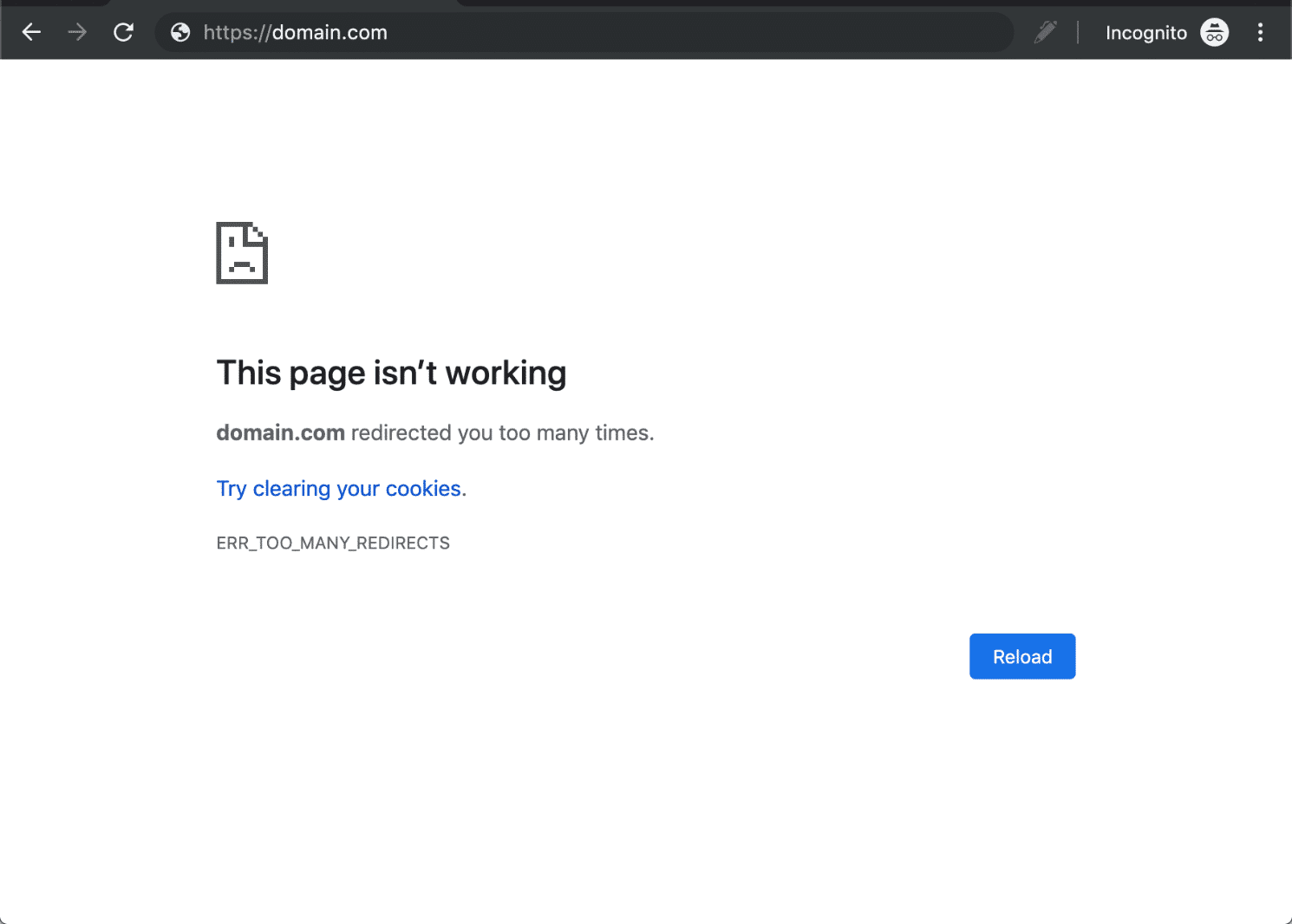
This usually happens when your .htaccess file—the tiny powerhouse that controls your site’s redirects—gets a little confused and sends visitors on an endless redirect merry-go-round. But don’t sweat it! I’m here to walk you through why this happens, how to spot the problematic code, and how to fix it step-by-step.
What’s Actually Going On With “Too Many Redirects”?
Imagine you tell someone, “Go to the coffee shop,” then they come back and you say, “No, go to the library,” and then they come back and you say, “Wait, coffee shop again!” The back-and-forth continues forever.
That’s basically what your browser experiences when there’s a redirect loop. Your web server keeps telling it to go to a new URL, but the new URL just sends it back to the old one—or some other URL in the chain. Eventually, the browser says, “Nope, I’m out!” and shows you the error.
The Usual Suspect: .htaccess Rewrite Rules Gone Rogue
Most websites running on Apache use .htaccess files for URL rewriting, forcing HTTPS, or redirecting from www to non-www (or vice versa). Mess up these rules just a bit, and boom—redirect loops!
Let’s look at some classic .htaccess blunders that cause this headache, and I’ll show you how to fix each one.
Example 1: HTTPS Redirect Loop — Don’t Go Back and Forth
					RewriteEngine On
RewriteCond %{HTTPS} off
RewriteRule ^(.*)$ https://%{HTTP_HOST}/$1 [R=301,L]

RewriteCond %{HTTPS} on
RewriteRule ^(.*)$ http://%{HTTP_HOST}/$1 [R=301,L]
What happened here?
This setup says:
If HTTPS is off, redirect to HTTPS. Good!
But then, if HTTPS is on, redirect back to HTTP? Say what?!
This back-and-forth creates a never-ending loop of redirects.
How to fix it?
Simple. Pick a direction—usually HTTPS—and stick to it. Remove the rule that sends HTTPS traffic back to HTTP.
					RewriteEngine On
RewriteCond %{HTTPS} off
RewriteRule ^(.*)$ https://%{HTTP_HOST}/$1 [R=301,L]
Boom! Now you force HTTPS once, and the loop is gone.
Example 2: The WWW vs Non-WWW Ping-Pong
					RewriteEngine On

RewriteCond %{HTTP_HOST} ^www\.example\.com$ [NC]
RewriteRule ^(.*)$ https://example.com/$1 [R=301,L]

RewriteCond %{HTTP_HOST} ^example\.com$ [NC]
RewriteRule ^(.*)$ https://www.example.com/$1 [R=301,L]
What’s the drama here?
You’re telling the server to redirect www.example.com to example.com, but then right after, you tell it to send example.com back to www.example.com. It’s like two friends endlessly arguing about which coffee shop to go to.
Fix it like a boss:
Decide if you want www or not, and only write rules for that. For example, if you want no www:
					RewriteEngine On

RewriteCond %{HTTP_HOST} ^www\.example\.com$ [NC]
RewriteRule ^(.*)$ https://example.com/$1 [R=301,L]
Or if you love the www:
					RewriteEngine On

RewriteCond %{HTTP_HOST} ^example\.com$ [NC]
RewriteRule ^(.*)$ https://www.example.com/$1 [R=301,L]
Example 3: Mixing HTTPS & WWW Redirects Without Sync
					RewriteEngine On

RewriteCond %{HTTP_HOST} ^example\.com$ [NC]
RewriteRule ^(.*)$ https://www.example.com/$1 [R=301,L]

RewriteCond %{HTTPS} off
RewriteRule ^(.*)$ https://%{HTTP_HOST}/$1 [R=301,L]
This one’s tricky. It redirects example.com to https://www.example.com—nice. But then if someone visits the site on plain HTTP, the second rule kicks in and tries to force HTTPS again. Depending on how Apache processes these rules, it can cause a redirect loop.
How to fix?
Combine these rules smartly, so you force HTTPS and www in one clean sweep:
					RewriteEngine On

RewriteCond %{HTTPS} off [OR]
RewriteCond %{HTTP_HOST} !^www\. [NC]
RewriteRule ^(.*)$ https://www.example.com/$1 [R=301,L]
Now whether the user types http://example.com or http://www.example.com, they get a one-way ticket to https://www.example.com—no loop, no drama.
Pro Debugging Tips to Spot Redirect Loops
Use Browser Dev Tools: Open the Network tab and watch the redirect chain. Where does it go back to the same URL? That’s your culprit.
Clear Cookies & Cache: Sometimes your browser caches redirects. Clear them before testing fixes.
Disable .htaccess Temporarily: Rename
.htaccessto.htaccess_backupand test. If the site loads, you know the rules are the problem.Use Online Redirect Checkers: Tools like Redirect Checker show the full redirect path.
Check Apache Logs: Your hosting control panel or SSH access often has logs to help trace requests.
Bonus Hack: Avoid Internal Redirect Loops
If Apache keeps reprocessing your redirects internally, add this condition to stop rewriting if a redirect already happened:
					RewriteCond %{ENV:REDIRECT_STATUS} ^$
RewriteRule ... # your redirect rule here
Wrap-Up: Redirects Done Right = Happy Visitors
Redirect loops aren’t just annoying—they can tank your SEO, frustrate visitors, and mess with your site’s reputation. The good news? They’re usually easy to fix once you know how to spot them.
Keep your .htaccess rules simple, test every change carefully, and always decide on a single HTTPS and www policy. Your site (and your sanity) will thank you.
If you’re a HostFlare user and run into errors like this, just reach out to our support team — we’ve got your back and will fix it for you.
Happy coding! 😊